Divination Moon Shop Update

Work In Progress / 06 August 2021

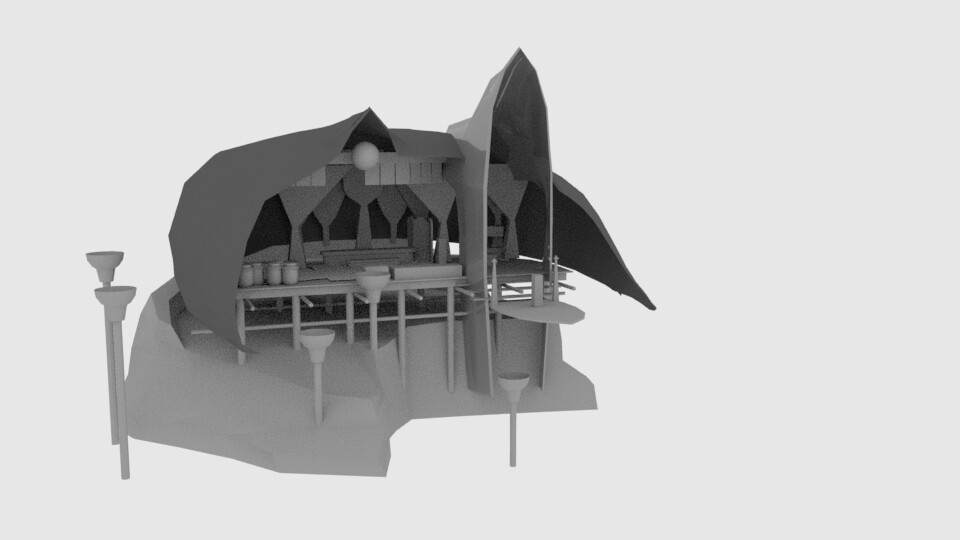
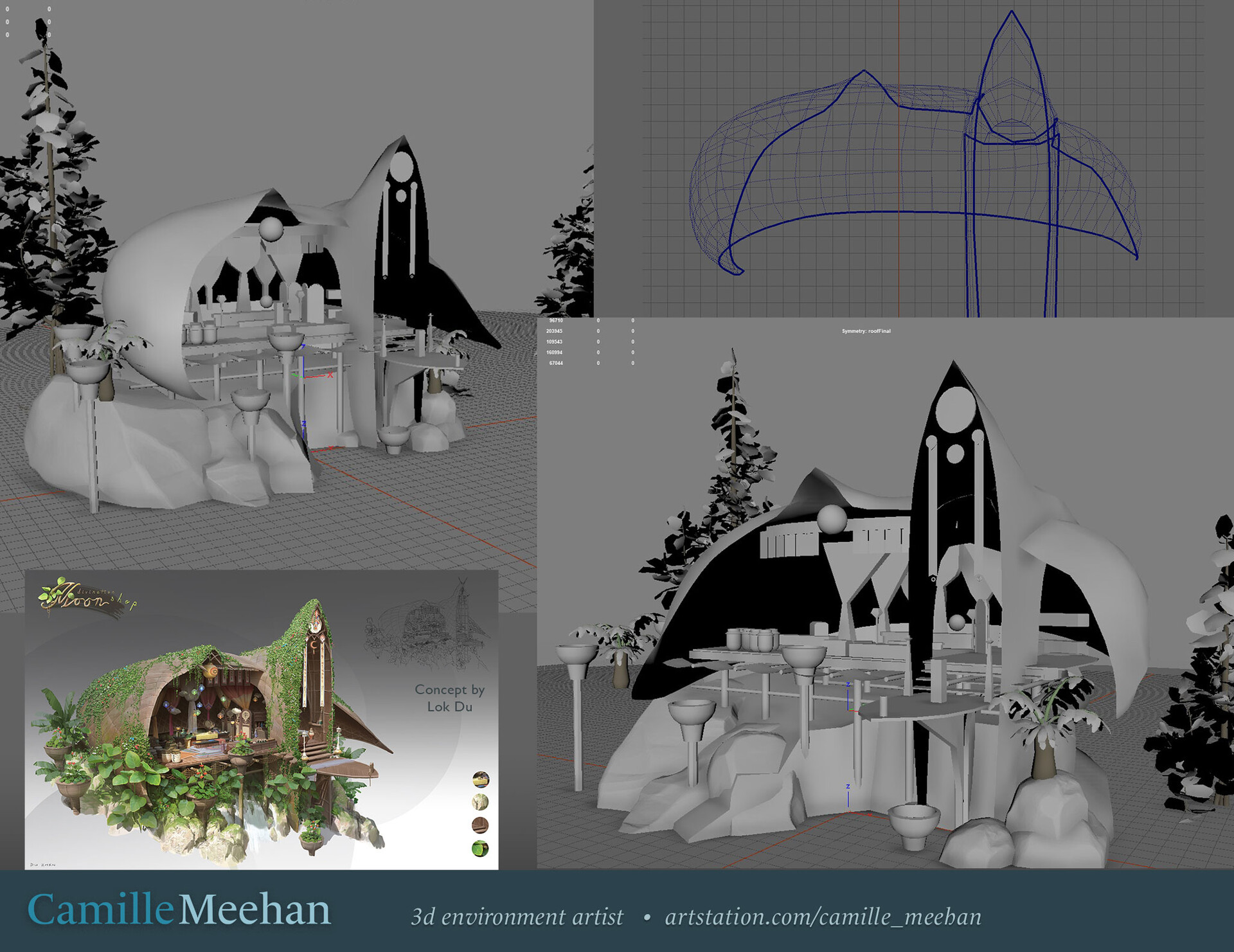
Extruding the roof highlighted some non-manifold geometry hiding in the rafters ;) To that end I cleaned up the roof and adjusted so that the two roof pieces fit together now. I've decided to let the two roof pieces smash into each other. I believe that will give me more control of the texturing later. I can cover the seam up with a strip of trim.

Here is where I'm at in Maya. I included a shot of the roof wireframe. If you have a critique or feedback to help me improve, I'd love to hear it.


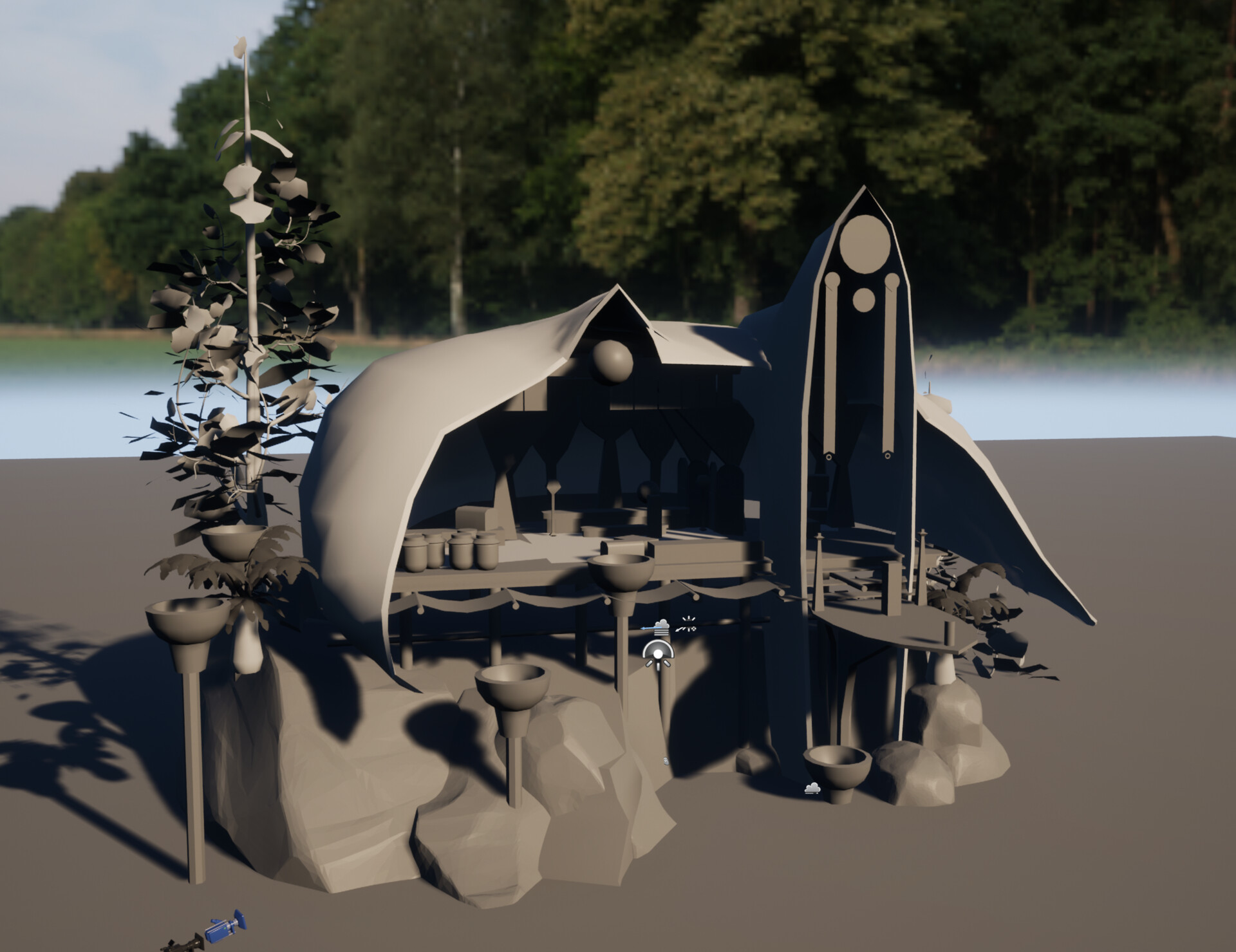
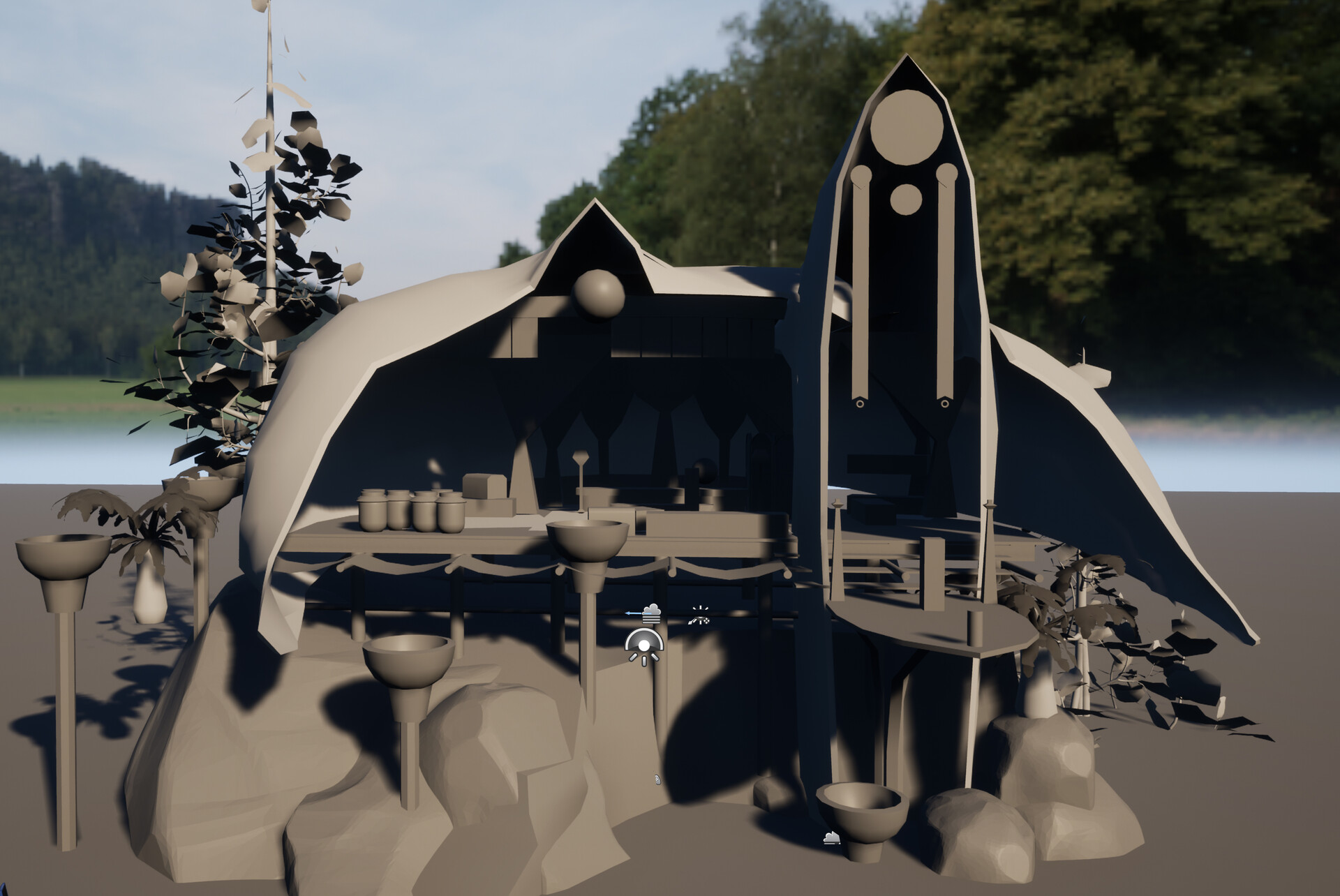
Divination Shop Blockout in Unreal 5

General / 03 August 2021

I decided to go with UE5 on this after listening to my teacher Peyton Varney's feedback on his tests so far. He says, overall pretty similar to UE4 with the exceptions of lumen and nanite. I'm still going to design this for games, so high to low poly baking etc.  I've got beautiful hanging colored lights in my concept and am excited to set up emissive materials for them, see how that goes. 


Making progress on the shop.

General / 31 July 2021

My scene block out is finally coming together!


Baking Maps for Games Reading List

General / 25 July 2021

In theory baking maps and UVs is pretty straightforward, especially when it is working as planned. Despite that, some light reading is in order.


Baking Maps for Games Reading List

* ========================================== *

General 

The Toolbag Baking Tutorial by Lead Artist at Marmoset Joe Wilson
In-depth with examples. Read iiiit.

UV Mapping Beginner's Tips by RizomUV
In-depth with some nice specific settings info unrelated to RizomUV.
"If you have to stack and flip, make sure to use an FBX export with tangents and binormals checked."

Normal Map Specific

Bit Depth and How Compression Affects Normal Maps by 3D Artist at CG Cookie  Jonathan Lampel
Unity Focus - Dated but helpful

Height Maps vs Normal Maps (Video 03:22)
Illustrated Normal Tangent Space, Object Space, and World Space


Banding Errors

Banding in Games by Mikkel Gjoel


================================
Takeaways for my current Marmoset Toolbag 4 baking project with final render in Unity.

  • Height Map - To ensure that your zero point is 50%, set the min and max values proportionally, for instance, -5 and 5
  • Smooth the cage, get more skew, less crazy edges. Fix skew with skew paint.
  • Try split uvs instead of continuous.
  • Make sure to triangulate your mesh before importing it into Toolbag. (triangulation mismatch causes x-shaped smoothing errors )
  • Right handed (OpenGL) for Unity (handedness can be overridden via the normal map settings in the Baker object by clicking the Flip Y checkbox )
  • Dither Map
  • 8-bit tga, 16-bit tiff (Unity alpha 2020.2.0a13 supports 16-bit formats as of June 2020)
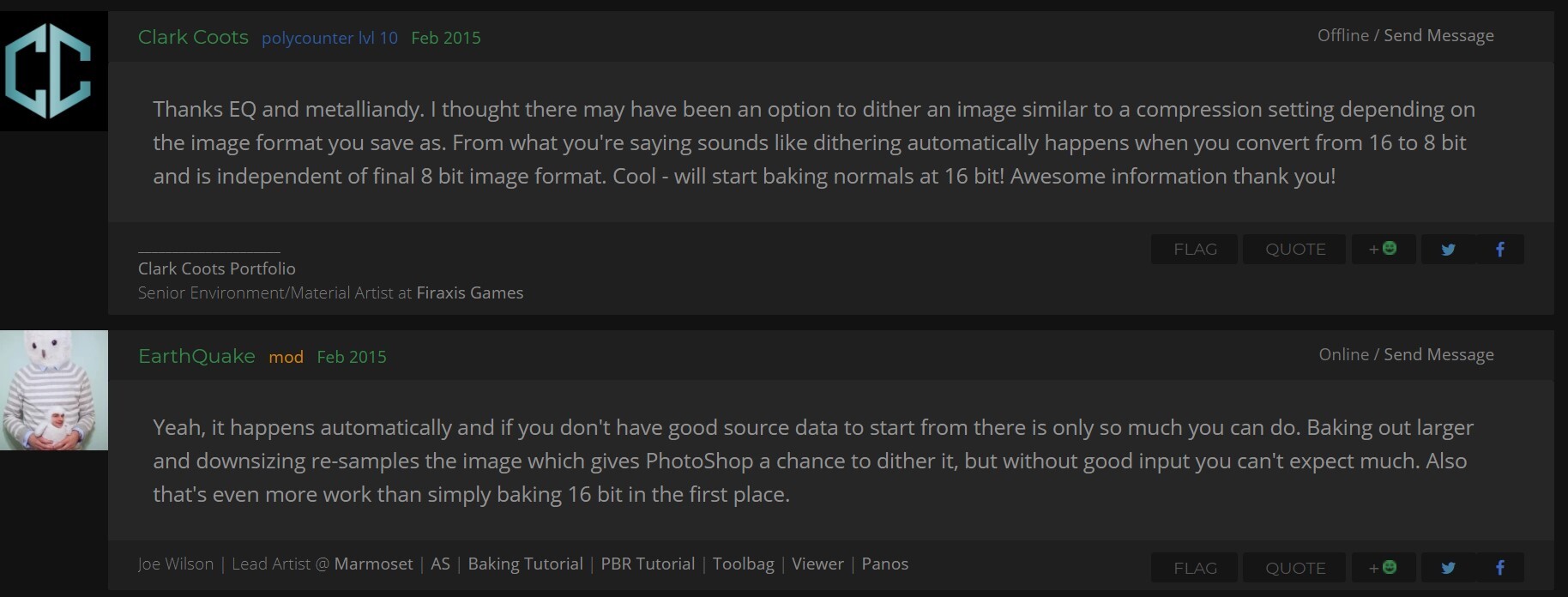
    Baking to a higher bit depth (16-bit) helps to remove banding, and down-converting to 8-bit with dithers (in Photoshop) to more effectively cram the values into the 8 bit space. Screen captures from Bit Depth and How Compression Affects Normal Maps


Technicolor Nightmare

General / 24 July 2021

This is what happens when the distance is off on a bake.


You could stop scrolling now and save some cones in your eyes.


IT HURTS ME


I warned you.


Why? Why did you do this??


Blockout Progress - All dem shapes

Work In Progress / 17 July 2021

Cut out more of my faces to start letting some air run through the shop. 


Environment Art for Unreal 4 with Peyton Varney

Work In Progress / 17 July 2021

I'm excited to be in my latest class at CGMA! Environment art for UE4 with Peyton Varney of Naughty Dog. Huzzah!!

I'm blocking out my gorgeous concept by Lok Du for the first week. 

I'm purposely sticking to the large shapes, if I get focused on the small stuff I will be wasting my time. Here is the progress so far. 


Despite wanting to keep working on it, I'm taking a break to get the fresh eyes effect of blessed sleep. I figure I'll be able to get some feedback and adjust big shapes easier this way.


Yummy baked traincar

Work In Progress / 15 July 2021

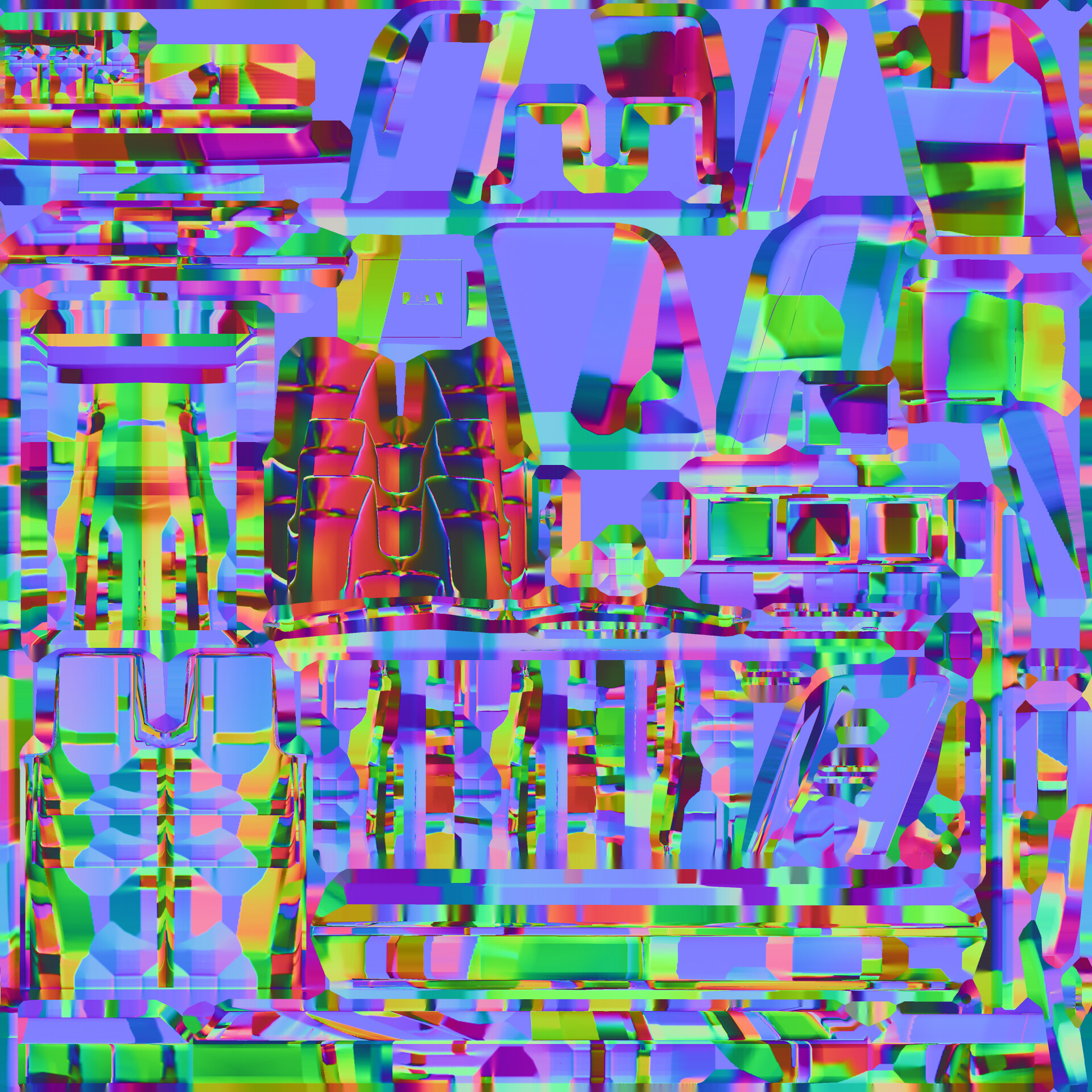
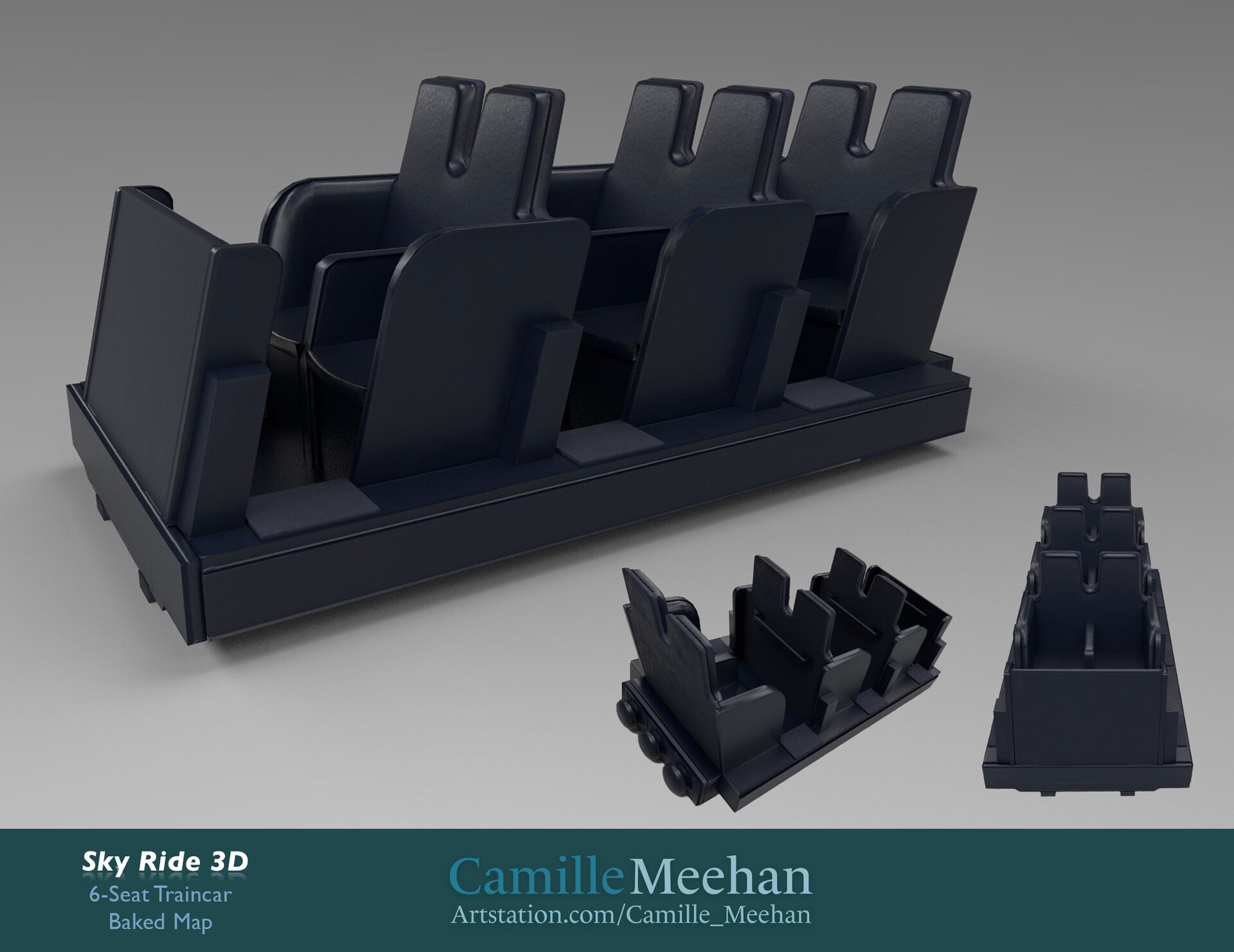
I baked my modeled train car today! It took some doing, as I hadn't quite understood the proper way to set up the low poly for a game vehicle. Here is the placeholder texture on my baked low poly,


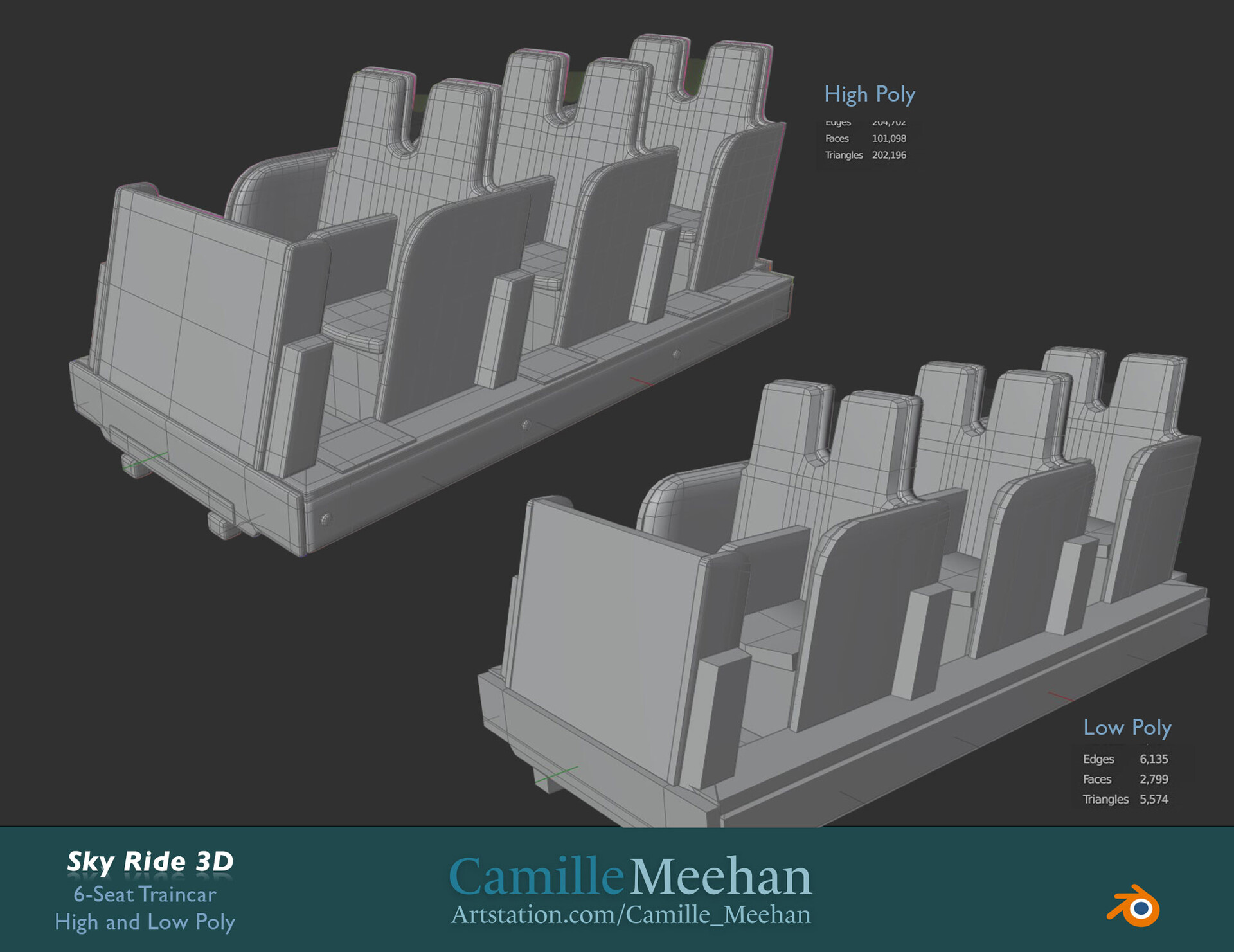
and the original low to high poly, which I had to heavily modify. I should probably post that instead but it isn't set up yet so you'll just have to see the mistakes (Can you find the ngon on the low poly?)


I learned that XNormal is rough to use if you're new like me, so I bought a perpetual license for Marmoset 4 and fell headlong into baking bliss. I ended up adding a few more triangles to the low poly to get the entry to the cars looking the way I wanted...and did a lot of cleanup. Overlapping of meshes is fraught with danger, you need to be so careful there to prevent confusion when baking.


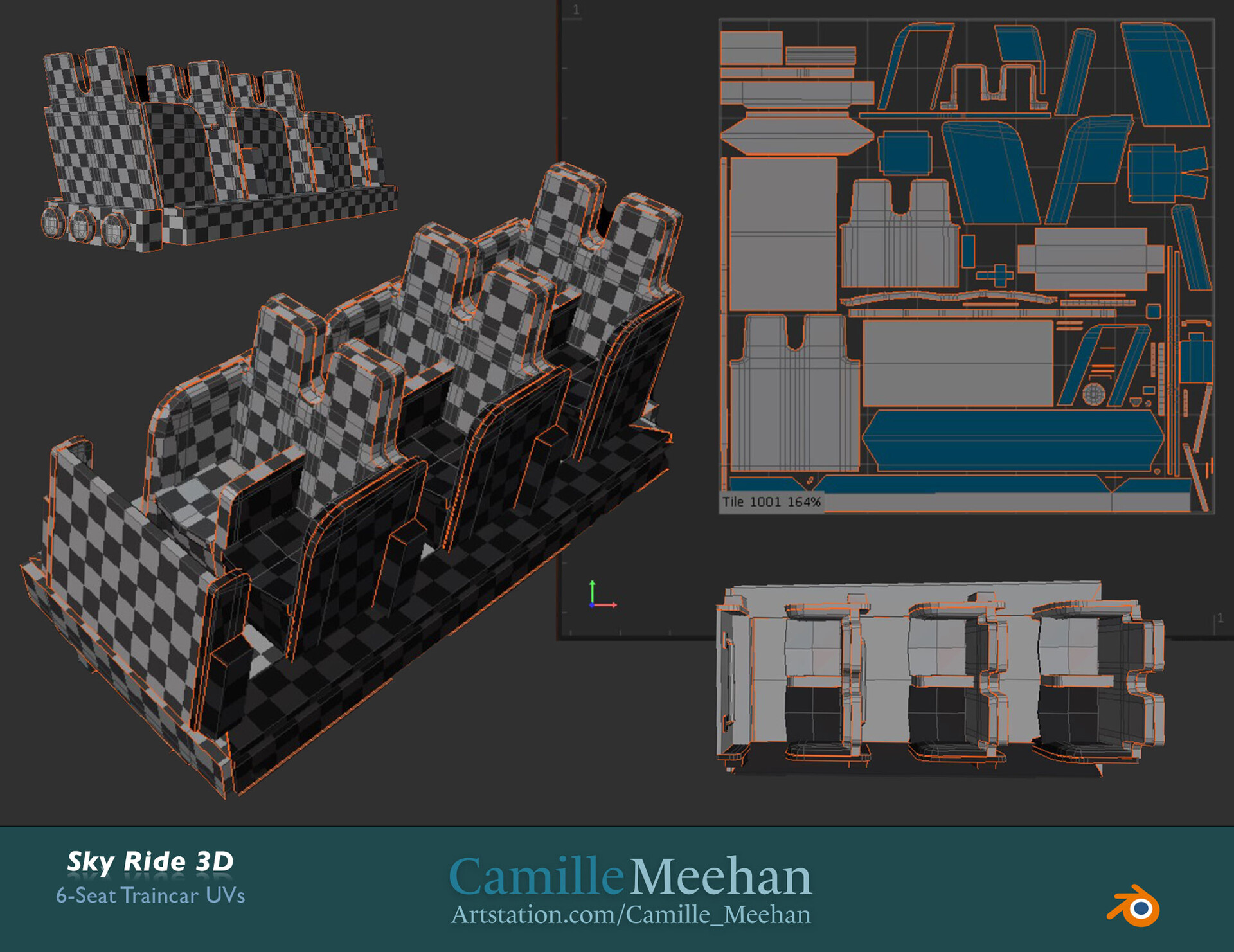
This is my second attempt at the UVs...the first was, embarrassing, and I'll no doubt tell you all about it, but not today :D To increase the texel density and allow for more detail on the car, I used some mirrored UVs. None of them merge on the axis so there isn't any distortion. I also stacked my UVs for the first time to increase texel density as well. 


I have been busy! What about you?
(Solved) What's this warping? Blender Mesh Issue

General / 09 July 2021

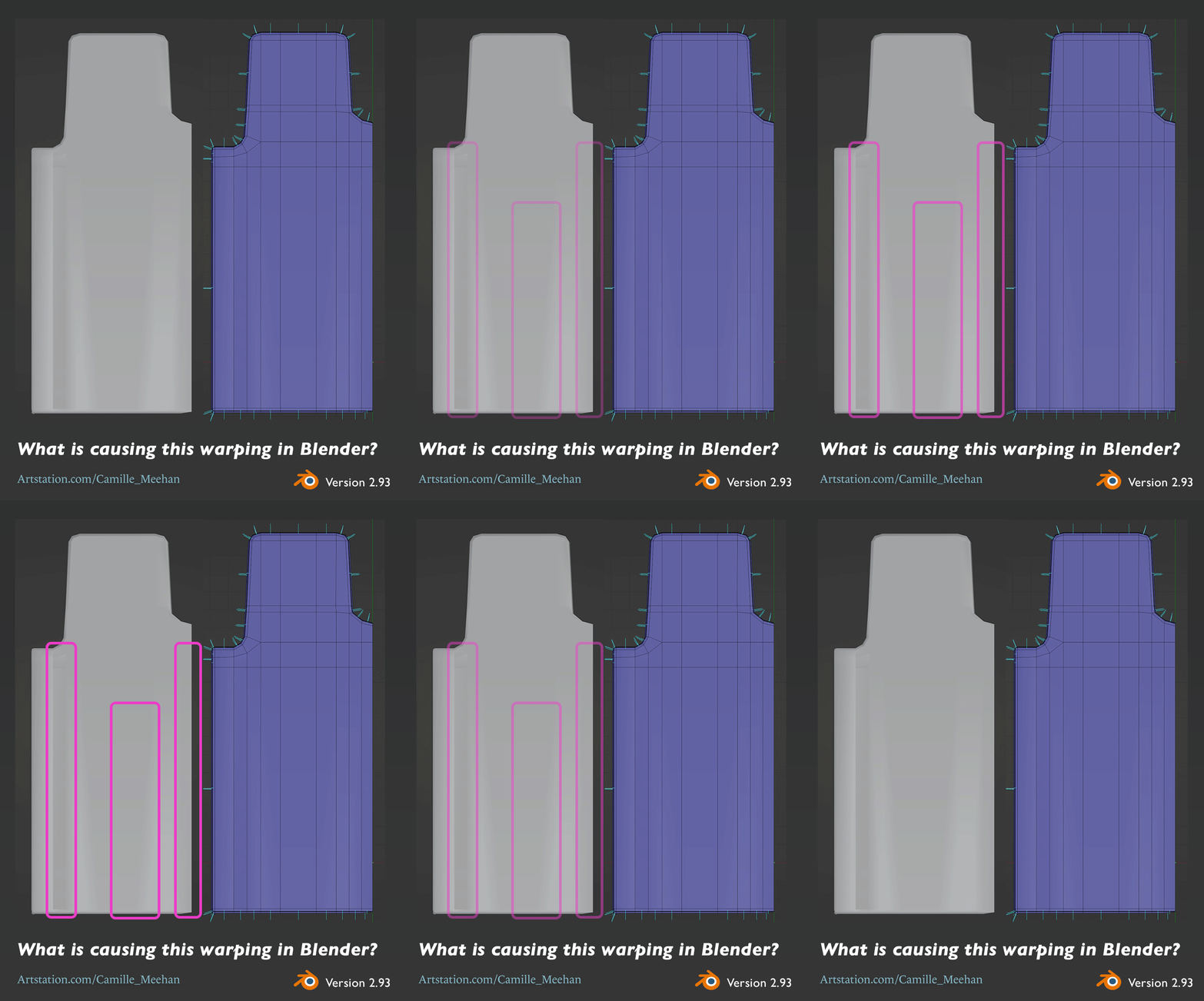
Had an issue with my work on the coaster car a couple of days ago where I was trying to figure out why my normals were all messed up. You can see the ugly distortion on the mesh below.


I asked for help.

Is there any obvious flaw with my topology that would cause these ugly warpings? This is the back of a seat that needs to be flat. I've flattened out components, lining them up with the same axis. I also ran a cleanup to remove stray components. I'm new to Blender and any help is appreciated.


Thank you to Daniel Lince (impressive new portfolio piece Daniel) on Discord, and to FrankPolygon and SnowInChina on the Polycount Mega Blender Thread


(The solution is at the bottom, it is fine to jump ahead.)


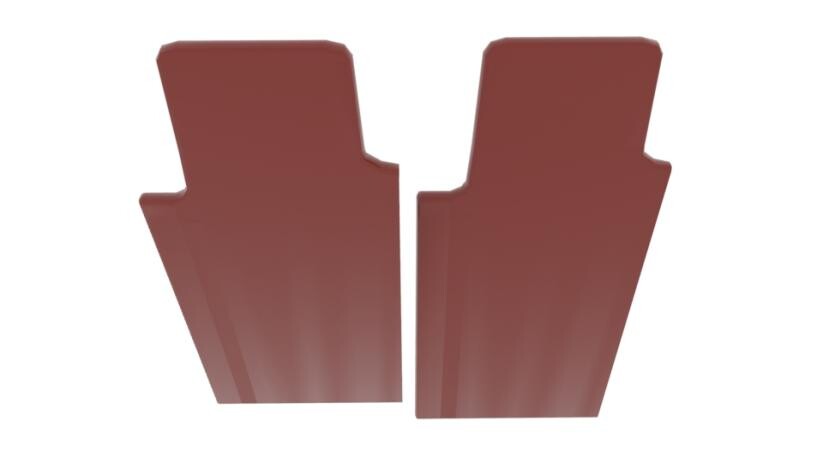
Daniel Lince had me check it out in another modeling program which is a good idea but showed it was still broken. The image below is a render in Arnold from Maya.


FrankPolygon really helped me further down the troubleshoot/educate-myself path. I'm quickly realizing the importance of the Blender docs. 


@Camille_Meehan Looks like inconsistencies in the mesh shading properties. Try recalculating the normals, marking the faces with shade smooth, clearing sharp edges and setting the per-object auto smooth value to something above 45°.


Below are some links to the official documentation that covers each operation:

https://docs.blender.org/manual/en/latest/modeling/meshes/editing/mesh/normals.html#recalculate

https://docs.blender.org/manual/en/latest/modeling/meshes/editing/face/shading.html#shade-smooth

https://docs.blender.org/manual/en/2.80/modeling/meshes/editing/edges.html#mark-sharp-and-clear-sharp

https://docs.blender.org/manual/en/latest/modeling/meshes/structure.html#properties 


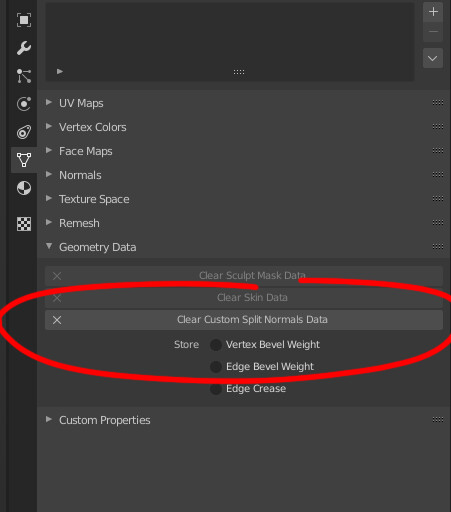
The solution!

Courtesy of SnowInChina.


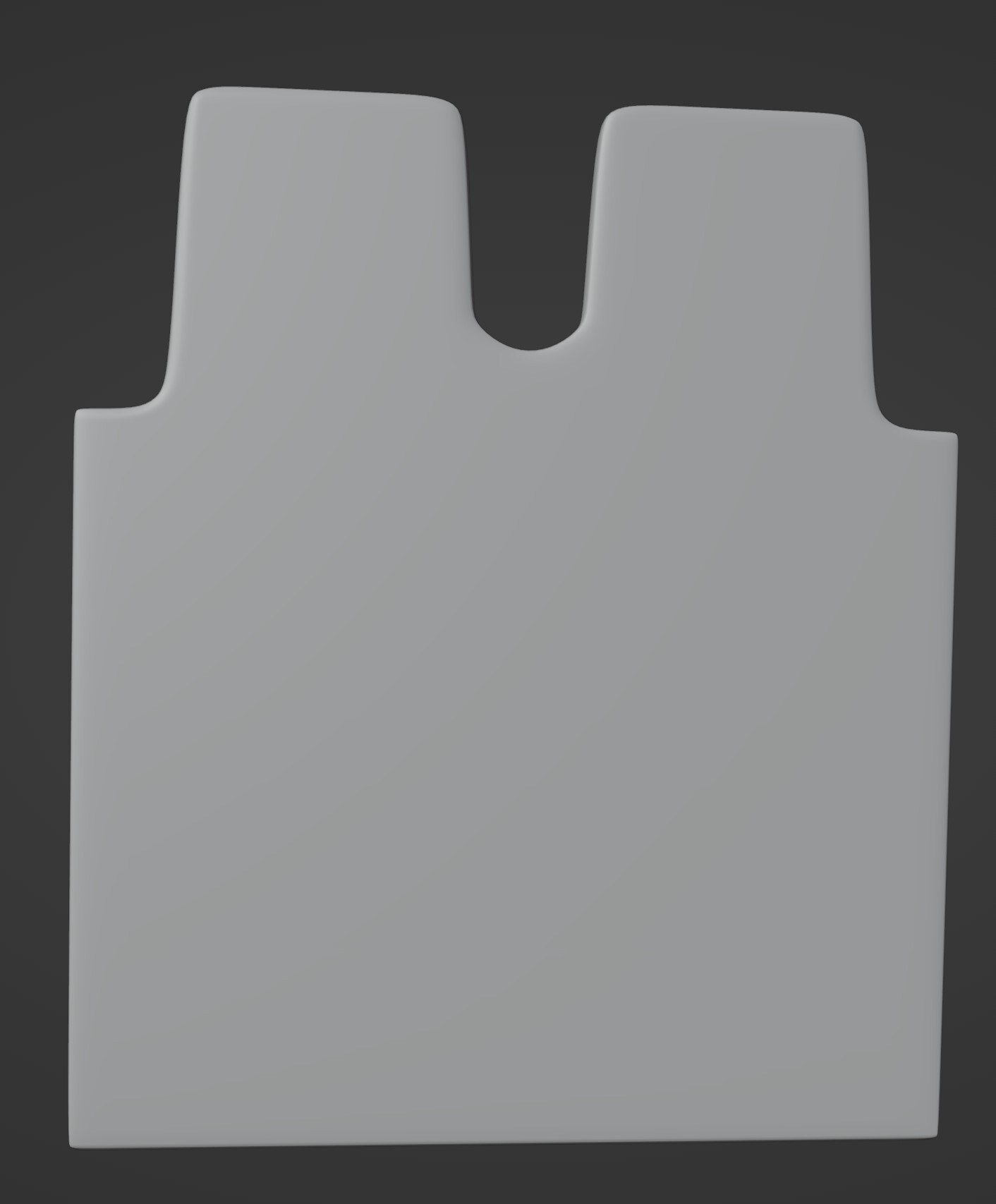
Smoothed end result below.


I had earlier smoothed and flattened my meshes to avoid subdividing, which in hindsight, was needless. In between that and the final high poly model, I deleted and filled faces, which resulted in the glorious nonsense above. Clearing the custom split normals data reset all that, which was what I needed.


Hope this helps you solve the issue, please let me know in the comments.

Argh, another delightful learning opportunity.

General / 06 July 2021

Do not UV the high poly 3D model when you are making artwork for games. *facepalm*

I'm grateful, that I have learned this, so now I will not repeat this mistake. Moving from 2D to 3D art is hilarious sometimes, I'm thankful for my and Richard Wecke's ability to find levity in disappointment. How he manages to keep his face straight when I ask for feedback, I'll never know. :D

I now direct you to this lovely speed sculpt by Autumn Davis which seems particularly well timed for my mistake.